Best Video Doorbells for Enhanced Home Security
Video doorbells have become an essential part of modern home security, providing the convenience of seeing and communicating with visitors, even when you’re not home. To help you make an informed decision, we’ll explore top-rated options and highlight the features that matter most, ensuring you find the perfect video doorbell for your needs.
Top Video Doorbells for Enhanced Home Security
Video doorbells have revolutionized home safety, combining convenience with advanced technology to monitor and secure your front door. Here are the top options for boosting your home security.
Ring Video Doorbell 4
The Ring Video Doorbell 4 is a popular choice for its advanced features and reliability. It offers 1080p HD video, enhanced motion detection, and dual-band Wi-Fi connectivity. The doorbell also features color pre-roll video previews, allowing you to see what triggered a motion event. With a clear and detailed 1080p HD video resolution, users highly rate the Ring Video Doorbell 4 for its easy installation, reliable performance, and comprehensive app features. It integrates seamlessly with other Ring devices and supports Alexa for voice control.
Nest Hello Video Doorbell
The Nest Hello Video Doorbell is known for its high-quality video and smart features. It offers 24/7 streaming, HDR video, and facial recognition, providing intelligent alerts that differentiate between people, packages, animals, and vehicles. The HDR video and 160-degree field of view ensure clear and wide-angle footage, even in challenging lighting conditions. Users appreciate its advanced features, reliable performance, and integration with Google Assistant. The Nest Hello Video Doorbell is ideal for those seeking a smart doorbell with superior video quality and intelligent features.
Eufy Security Video Doorbell
The Eufy Security Video Doorbell is an affordable option that doesn’t compromise on quality and features. It offers 2K resolution, advanced motion detection, and no monthly fees for storage, including a built-in storage system for local recordings. The 2K resolution ensures detailed and crisp video quality. Users praise the Eufy Security Video Doorbell for its excellent video quality, user-friendly app, and value for money. It is perfect for those looking for a high-quality, budget-friendly option with local storage.
Key Features to Look For
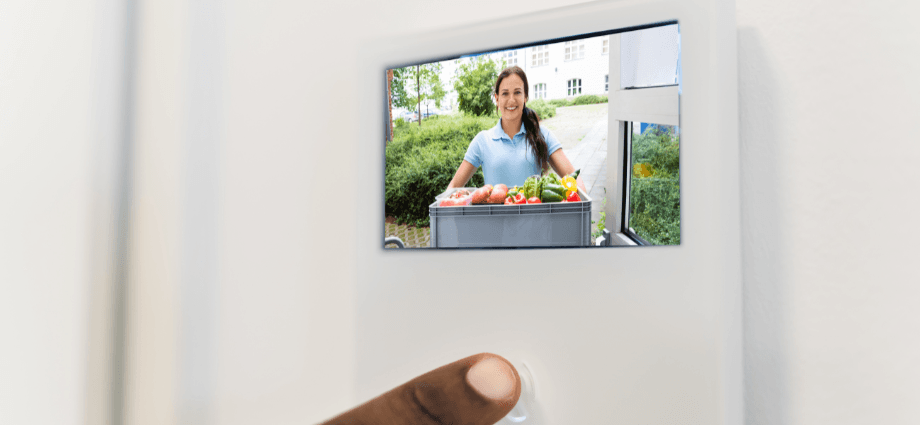
When selecting a video doorbell, understanding the key features can help you choose the best option for your home. Here’s what to consider:
Video Quality
When choosing a video doorbell, video quality is crucial for clear and detailed footage. High-resolution cameras provide better image clarity, making it easier to identify visitors and capture important details. Common high-resolution standards in top video doorbells include 1080p HD, 2K, and HDR video. Investing in a doorbell with excellent video quality ensures better security and monitoring.
Motion Detection
Advanced motion detection features enhance the security capabilities of video doorbells. Motion detection alerts you to activity at your doorstep, helping you stay informed about who is approaching your home. Common features in high-quality video doorbells include PIR sensors, customizable motion zones, and pre-roll video previews. Effective motion detection helps reduce false alarms and improves overall security.
Smart Home Integration
Compatibility with smart home systems allows your video doorbell to work seamlessly with other devices. Ensure the doorbell works with systems like Amazon Alexa, Google Assistant, and Apple HomeKit. Look for doorbells that are easy to integrate and control within your smart home ecosystem. Smart home integration enhances the convenience and functionality of your video doorbell.
Installation and Setup
Setting up a video doorbell can be straightforward or professionally handled, depending on your preference. Here are your options:
DIY Installation
Many video doorbells offer DIY installation, making it easy for homeowners to set them up without professional help. The installation process typically involves mounting the doorbell, connecting it to your Wi-Fi network, and configuring settings in the app. DIY installation allows you to set up your video doorbell quickly and efficiently.
Professional Installation
For those who prefer a hassle-free setup, professional installation is an option. Professional installation ensures correct setup and optimal placement of the doorbell. While it may incur additional costs, it provides peace of mind knowing your system is installed correctly.
Setting Up Alerts and Notifications
Configuring alerts and notifications helps you stay informed about any suspicious activities. Set up motion detection zones and sensitivity levels in the camera’s app. Customize how and when you receive alerts, such as push notifications or email alerts. Properly setting up alerts ensures that you are promptly notified of any security events.
Monitoring and Storage
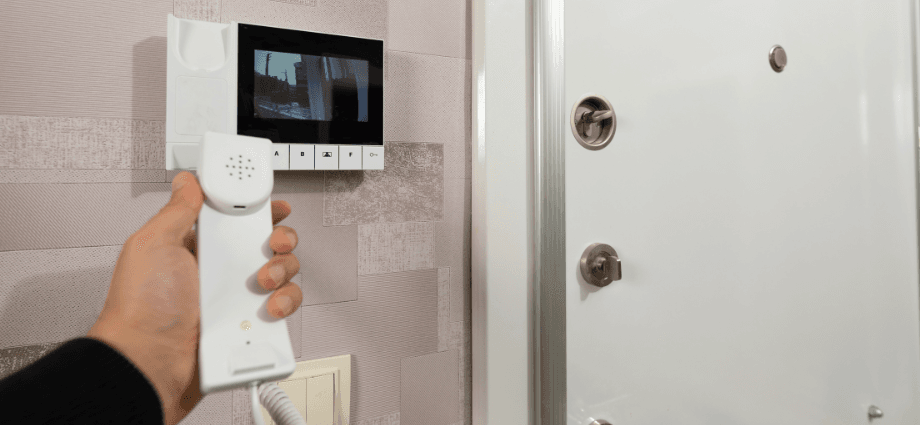
Choosing the right monitoring and storage options is vital for effective home security. Here’s what to consider:
Live Monitoring
Real-time monitoring is essential for immediate response to security breaches. It allows you to take action quickly in case of an incident. Devices that support live monitoring include smartphones, tablets, and smart displays. Live monitoring enables you to keep an eye on your property from anywhere at any time.
Cloud Storage
Cloud storage is a popular option for storing video footage securely offsite. It provides remote access to footage and protection against data loss. Popular cloud storage options include subscriptions from Ring, Nest, and other brands. Cloud storage ensures that your video recordings are safe and accessible.
Local Storage
Local storage offers an alternative to cloud storage, allowing you to store footage on-site. Advantages include no recurring fees and immediate access to recordings. Recommended local storage devices include microSD cards and network-attached storage (NAS) devices. Local storage provides a reliable backup for your video footage.
Privacy and Security
Protecting your data and ensuring your video doorbell is secure is essential for safeguarding your home. Here are key aspects to consider:
Data Encryption
Data encryption ensures that your video footage is secure and protected from unauthorized access. It protects sensitive information from being intercepted. Examples of encrypted video doorbells include cameras from brands like Ring, Nest, and Eufy. Encrypted doorbells provide an added layer of security for your data.
User Access Control
Managing access to your camera feeds helps maintain privacy and security. Set up user accounts and permissions in the camera’s app to control who can view and manage the camera settings. User access control ensures that only authorized individuals can access your camera feeds.
Regular Firmware Updates
Keeping your video doorbell’s firmware up to date is essential for maintaining security and functionality. Check for firmware updates regularly in the camera’s app. Staying up-to-date fixes security vulnerabilities and adds new features. Regular updates keep your video doorbell performing optimally.
Conclusion
Choosing the right video doorbell for enhanced home security involves considering factors like video quality, motion detection, smart home integration, and installation options. By selecting one of the top video doorbells, such as the Ring Video Doorbell 4, Nest Hello Video Doorbell, or Eufy Security Video Doorbell, you can enhance your home’s security and enjoy peace of mind. For further assistance, refer to the resources provided by the doorbell manufacturers.
Share this content:
