Freshly Launched Tablets for Students and Creatives

Tablets have become indispensable tools for students and creatives, offering portability and power for various tasks. From attending online classes to designing intricate artworks, the latest tablets cater to every need. Below, we explore some of the newly launched tablets and the features that make them stand out.

Top Features of Newly Launched Tablets
Modern tablets are designed to enhance productivity and creativity with advanced features.
Performance and Speed
The speed and efficiency of a tablet are crucial for multitasking, especially for resource-intensive tasks.
- Apple iPad Pro 2024: Equipped with the M2 chip, it delivers lightning-fast performance for activities like video editing and 3D rendering.
- Samsung Galaxy Tab S9 Ultra: Powered by the Snapdragon 8 Gen 2 processor, it ensures smooth multitasking and supports demanding apps.
These processors make running multiple applications simultaneously seamless, improving productivity for students and creatives alike.
Display and Visual Quality
A tablet’s display plays a significant role in enhancing user experience, whether for reading, creating art, or watching videos.
The Microsoft Surface Pro 10 features a PixelSense touchscreen that offers vibrant colors and excellent resolution, making it perfect for design tasks. On the other hand, the Samsung Galaxy Tab S9 Ultra boasts an AMOLED screen with deep blacks and vivid colors, ideal for media consumption and graphic work.
These high-resolution screens reduce eye strain and provide an immersive experience for visual projects.
Best Tablets for Students
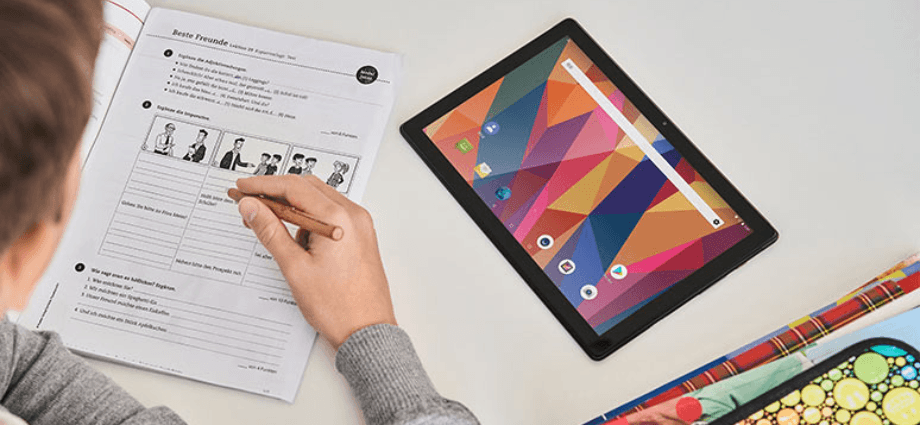
Students need tablets that combine affordability, portability, and functionality to handle academic tasks efficiently.
Budget-Friendly Options
Affordable tablets are perfect for students who need reliable devices without overspending.
- Lenovo Tab M10 Plus: This lightweight tablet features a 10.6-inch screen and a long-lasting battery, making it ideal for note-taking and online classes.
- Amazon Fire HD 10: With its affordable price, solid performance, and compatibility with educational apps, it’s a great option for basic student needs.
These tablets balance cost and performance, making them accessible for most students.
High-Performance Models
For students who need more advanced features, high-performance models offer better capabilities.
The Apple iPad Air 5th Gen is powered by the A14 Bionic chip, providing sufficient power for coding, video editing, and multitasking. Meanwhile, the Samsung Galaxy Tab S9 offers fast charging, ample storage, and a durable design, making it an excellent choice for busy students juggling academic and extracurricular activities.
These devices are designed to meet the needs of students who require reliability and versatility in their gadgets.
Best Tablets for Creatives
Creatives often need tablets that are precise, versatile, and compatible with professional tools. The latest models cater to these requirements perfectly.
Professional-Grade Devices
Professional-grade tablets are designed for tasks like graphic design, animation, and photo editing.
- Wacom Cintiq Pro 16: This tablet comes with a 4K display and a responsive stylus, allowing for detailed artwork and precision in every stroke.
- iPad Pro 12.9 (2024): With its Liquid Retina XDR display and M2 chip, this tablet ensures top-notch color accuracy and performance for demanding creative tasks.
These devices are equipped with features that support advanced software like Adobe Photoshop and Final Cut Pro, making them ideal for professionals.
Versatile Models for Art and Media
Versatility is a key factor for creatives who want a balance between portability and power.
The Microsoft Surface Pro 10 is a 2-in-1 device that works as both a laptop and a tablet, offering flexibility for a variety of tasks. Similarly, the Samsung Galaxy Tab S9 Ultra supports multitasking with split-screen functionality and comes with an S Pen for drawing and editing.
These tablets are perfect for blending creative projects with everyday productivity.
Key Considerations When Choosing a Tablet
Selecting the right tablet involves evaluating your specific needs and the device’s features. Here are some factors to keep in mind:
- Usage: Determine whether the tablet is for note-taking, media editing, or professional design work.
- Battery Life: A device with long battery life is essential for uninterrupted usage during classes or creative sessions.
- Portability: Lightweight tablets are easier to carry, especially for students who need to move between classes or campuses.
- Software Compatibility: Ensure the tablet supports apps you use frequently, such as Microsoft Office, Adobe Suite, or Procreate.
Accessories That Enhance Tablet Experience
Accessories play a crucial role in maximizing a tablet’s potential. For both students and creatives, some add-ons are particularly beneficial:
- Stylus Pens: Tools like the Apple Pencil (2nd Gen) and Samsung S Pen are perfect for note-taking, sketching, and editing.
- Detachable Keyboards: Ideal for students who need to type assignments or creatives who prefer a physical keyboard for longer writing tasks.
- Protective Cases: Ensure your tablet stays safe during travel or heavy use.
Investing in the right accessories enhances functionality and ensures your tablet meets all your requirements.
Conclusion
The freshly launched tablets offer a mix of affordability, performance, and advanced features, making them ideal for students and creatives. Whether you’re looking for a budget-friendly device for taking notes or a professional-grade tablet for intricate artwork, there’s an option for every need. Devices like the iPad Pro 2024, Samsung Galaxy Tab S9 Ultra, and Wacom Cintiq Pro 16 stand out with their top-tier features and capabilities.
Take the time to evaluate your needs, compare features, and choose a tablet that complements your goals. With the right device, you can enhance productivity, creativity, and learning like never before.
Share this content:
