How to Use Parental Control Apps to Monitor Screen Time
In today’s digital world, managing screen time for children has become more challenging than ever. With devices becoming an essential part of daily life, it’s important to find a balance between healthy usage and overexposure to screens. Parental control apps can play a vital role in helping parents monitor and limit screen time. In this article, we will explore the benefits, features, setup, and usage of parental control apps to ensure a healthier digital lifestyle for your child.
Why Monitoring Screen Time is Important
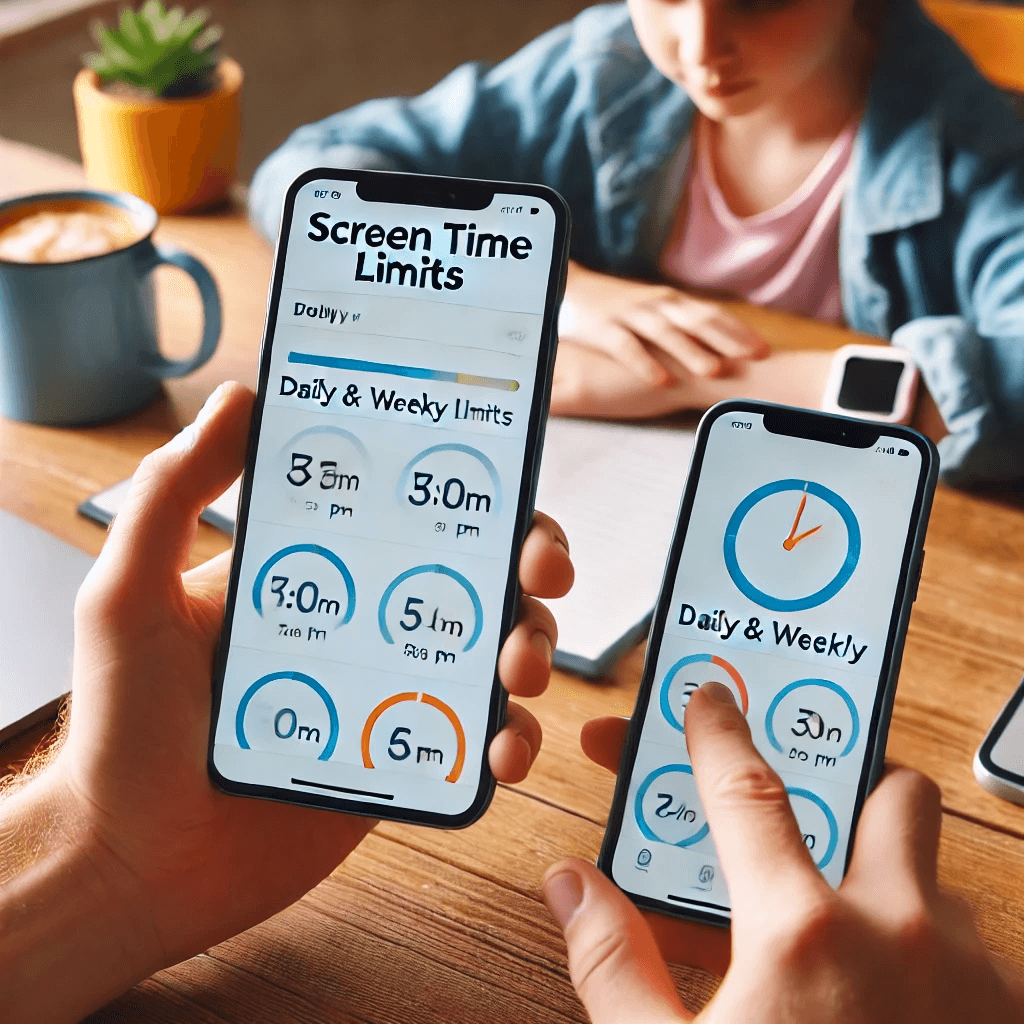
The rise in screen time for children has raised concerns about its impact on health, academic performance, and overall well-being. Monitoring and managing screen time can help mitigate these concerns.
Impact of Excessive Screen Time on Health
Extended screen time, especially when unmonitored, can negatively affect children’s health. Prolonged exposure to screens can lead to issues like eye strain, disrupted sleep patterns, and a sedentary lifestyle.
- Eye strain: Caused by long hours of screen time.
- Sleep disruption: Blue light from screens can interfere with sleep cycles.
- Physical inactivity: More screen time leads to less physical activity.
Setting boundaries on screen time can help maintain better health and well-being.
Academic and Social Implications of Screen Time
Excessive use of screens can negatively affect a child’s academic performance and social skills. Spending more time on devices may reduce time spent on homework, reading, and socializing face-to-face.
- Declining academic performance due to distractions.
- Social isolation from excessive device usage.
- Reduced attention span in learning environments.
Limiting screen time helps create balance and improves focus.
Setting Boundaries for a Healthy Digital Life
Parents play an essential role in setting healthy boundaries for screen use. By using parental control apps, you can ensure that your child spends a reasonable amount of time on their device, promoting healthier digital habits.
- Limit screen time to essential usage.
- Set boundaries to avoid excessive use.
- Encourage other activities like reading and sports.
A controlled approach to screen time fosters a balanced and healthy digital life.
Overview of Parental Control Apps
Parental control apps are designed to help you monitor and control your child’s device usage, ensuring that screen time stays within healthy limits. These apps offer various features to track and manage device usage effectively.
What Are Parental Control Apps?
Parental control apps are software tools that allow parents to set restrictions on screen time, monitor app usage, and limit access to inappropriate content. They can be installed on smartphones, tablets, and even computers.
- Time limits: Set daily or weekly screen time limits.
- App monitoring: Track which apps are being used.
- Content filtering: Block inappropriate content.
These apps give parents control over their child’s device usage, ensuring a safer and healthier digital experience.
Key Features of Parental Control Apps
Parental control apps come with a variety of features to make monitoring screen time easy and effective. Some common features include:
- Screen time management: Allows setting time limits for usage.
- App usage tracking: Provides detailed insights on which apps are being used and for how long.
- Location tracking: Tracks the child’s device location in real-time.
These features help keep your child’s screen time balanced and their digital interactions secure.
Popular Parental Control Apps
Several parental control apps are available, each offering unique features. Some of the most popular options include:
- Qustodio: Provides detailed reports on screen time and app usage.
- Norton Family: Offers time limits, web monitoring, and location tracking.
- Screen Time: Focuses on limiting app usage and creating schedules.
Choosing the right app depends on your needs and the devices your child uses.
Setting Up Parental Control Apps
Once you’ve chosen a parental control app, it’s time to set it up. The setup process varies depending on the app and the devices you’re using, but most apps are user-friendly and offer step-by-step instructions.
Choosing the Right App for Your Family
When selecting a parental control app, consider the following factors to ensure it meets your family’s needs:
- Device compatibility: Ensure the app works on both Android and iOS devices.
- Features: Choose an app that provides the features you need, like screen time limits, app monitoring, and content filtering.
- Ease of use: Look for apps that are simple to set up and use.
Make sure the app aligns with your family’s screen time goals and device preferences.
Installing the App on Devices
Once you’ve chosen your app, download it from the app store and install it on both your child’s device and your own. Most apps will require parental approval before installation on your child’s device.
- Download the app from Google Play or Apple App Store.
- Sync the app across multiple devices if needed.
- Set up an account and configure the app settings according to your preferences.
The installation process is typically straightforward and provides a secure way to manage your child’s screen time.
Configuring Screen Time Limits
After installation, configure the screen time limits for your child’s device. Most apps allow you to set daily, weekly, or even hourly limits for device usage.
- Set daily limits for screen time (e.g., 2 hours per day).
- Apply schedules to restrict usage during certain hours, such as during homework time or bedtime.
- Customize limits based on specific apps (e.g., 30 minutes on social media apps).
By configuring screen time limits, you can ensure your child’s device usage remains balanced.
Monitoring and Managing Screen Time with Parental Control Apps
Now that your app is set up, it’s time to start monitoring and managing your child’s screen time.
Tracking Screen Time and App Usage
Parental control apps provide detailed reports that show how much time your child spends on their device and which apps they use the most.
- Review daily reports on screen time usage.
- Track app usage to see which apps take up the most time.
- Set app limits to prevent excessive use of certain apps.
This information helps you stay informed and make informed decisions about your child’s screen time.
Blocking or Limiting Access to Apps
You can block or limit access to apps that may be distracting or inappropriate. This ensures that your child stays focused on important tasks or has limited access to entertainment apps.
- Block access to specific apps or websites.
- Limit time spent on certain apps (e.g., games, social media).
- Pause apps during specific hours (e.g., homework time).
This gives you more control over your child’s device use and helps them focus on essential tasks.
Managing Content Restrictions and Access
Parental control apps can also filter content based on age, ensuring your child isn’t exposed to inappropriate material.
- Set content filters for websites and apps.
- Enable safe browsing for kid-friendly content.
- Monitor social media interactions for safety.
This feature is especially useful for keeping your child safe from harmful or age-inappropriate content.
Conclusion
Parental control apps are essential tools for managing screen time and ensuring your child has a safe and healthy digital experience. By using these apps, you can monitor your child’s device usage, set appropriate screen time limits, and block access to harmful content. Remember to regularly review the reports, adjust the settings as needed, and have open conversations with your child about responsible screen use. With the right tools in place, you can foster a balanced relationship with technology and help your child develop healthy digital habits.
Share this content:
