How to Use Voice Assistants to Simplify Daily Tasks
In today’s fast-paced world, voice assistants have become essential tools for simplifying everyday tasks. Whether it’s managing your calendar, controlling your home, or enjoying entertainment, these AI-driven assistants are helping streamline numerous activities. From Siri and Google Assistant to Amazon’s Alexa, voice assistants can handle a wide range of tasks with just a simple command. This guide explores how to effectively use voice assistants to make your day-to-day life more convenient and efficient.
Setting Up Your Voice Assistant
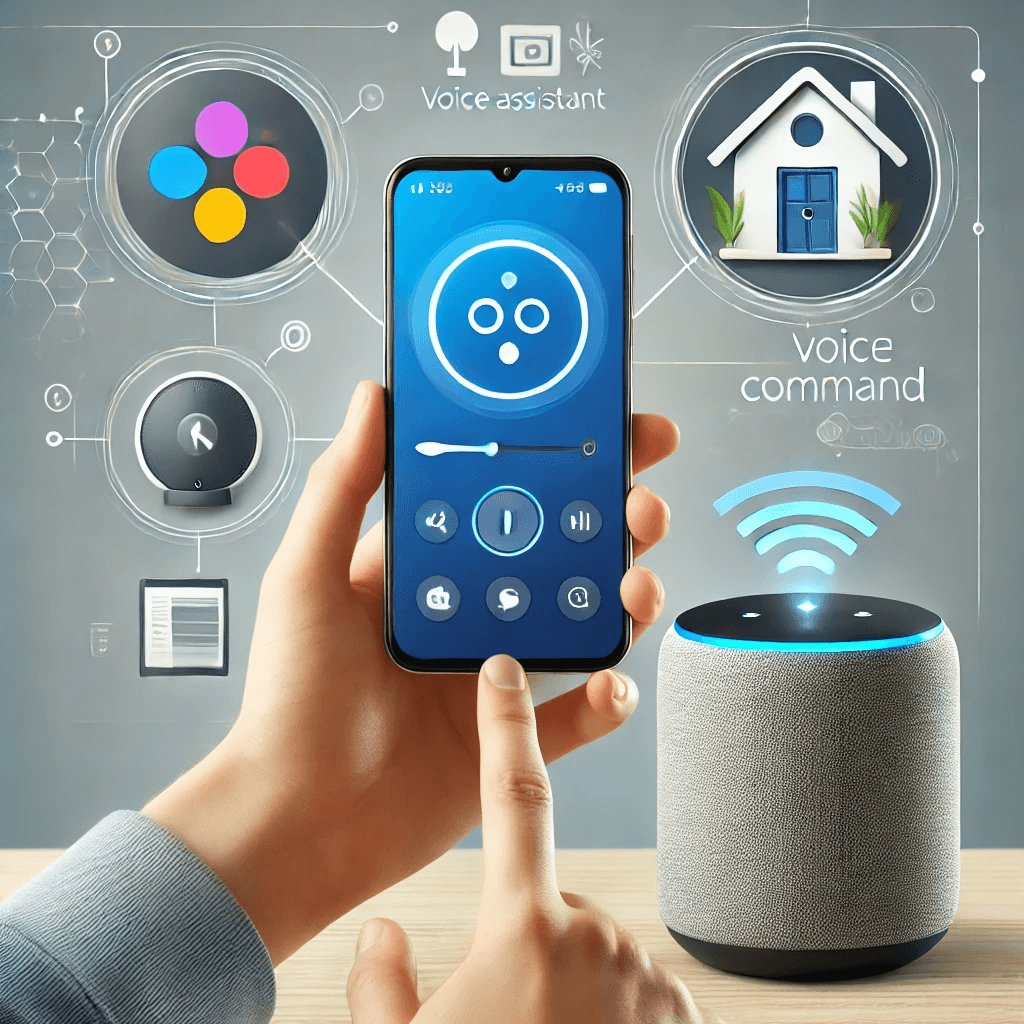
Before using your voice assistant, you need to set it up correctly. Here are the initial steps to get started:
Choosing the Right Voice Assistant
There are several voice assistants available, each with its own set of features. Popular options include:
- Siri: Best for Apple ecosystem users.
- Google Assistant: Works across devices, including Android and Google Home.
- Alexa: Amazon’s assistant, integrated with smart home devices and shopping services.
Choose the assistant that best integrates with your devices and preferences.
Setting Up Your Voice Assistant
Once you’ve selected the right assistant, setting it up is usually straightforward. For most devices, simply download the necessary app (e.g., Google Home or Alexa app) and follow the on-screen instructions to link your device to the assistant. Make sure that your Wi-Fi is connected and that any permissions are granted for optimal functionality.
Customizing Your Voice Assistant
To personalize your voice assistant experience, you can adjust various settings, such as:
- Language preferences: Select your preferred language for commands.
- Wake word: Choose a unique activation phrase (e.g., “Hey Siri” or “Alexa”).
- Privacy settings: Manage data-sharing preferences and voice recording storage.
These customizations ensure that your voice assistant works efficiently and fits your needs.
Streamlining Daily Tasks with Voice Assistants
Voice assistants excel at simplifying everyday tasks, from managing your schedule to communicating hands-free.
Managing Your Schedule
One of the most common uses of voice assistants is managing your calendar and reminders. You can quickly schedule appointments, set reminders, and get updates on your day:
- Set calendar events: “Hey Google, schedule a meeting for 2 PM tomorrow.”
- Set reminders: “Alexa, remind me to pick up groceries at 5 PM.”
- Check your schedule: “Siri, what’s on my agenda for today?”
These tasks become much faster and more organized with just a voice command.
Hands-Free Communication
With voice assistants, you can easily send messages, make calls, and even check your email. This feature is especially useful when your hands are occupied or when multitasking.
- Make calls: “Alexa, call John.”
- Send texts: “Hey Siri, send a message to Mary saying I’m running late.”
- Read messages: “Google, read my latest texts.”
Using your voice for communication can significantly speed up interactions and help you stay connected while on the go.
Controlling Smart Home Devices
Smart home devices such as thermostats, lights, and security cameras can be controlled with voice commands, creating a fully connected environment. Setting up these devices can make daily tasks like adjusting room temperature or turning on lights more convenient.
- Control lights: “Alexa, turn off the living room lights.”
- Adjust thermostat: “Hey Google, set the thermostat to 72 degrees.”
- Check security cameras: “Siri, show me the front door camera.”
These tasks are easily automated, offering comfort and energy efficiency.
Enhancing Productivity with Voice Assistants
Voice assistants are powerful tools for improving productivity. They can help you stay organized, manage tasks, and even assist in making decisions.
Managing To-Do Lists
Voice assistants allow you to create, update, and review to-do lists. This can be a game-changer for staying organized and keeping track of tasks without needing to type anything.
- Create tasks: “Google, add ‘pick up dry cleaning’ to my to-do list.”
- Check tasks: “Alexa, what’s on my to-do list today?”
- Mark as completed: “Siri, mark ‘email John’ as done.”
These lists are accessible at any time, making it easier to stay on top of tasks.
Setting Alarms and Timers
Voice assistants can set alarms or timers for reminders, helping you stay on track with various activities. Whether you need to wake up in the morning, time your cooking, or set an alarm for a meeting, voice assistants make it simple.
- Set alarms: “Hey Google, set an alarm for 7 AM.”
- Set timers: “Alexa, set a timer for 30 minutes.”
- Reminders: “Siri, remind me to take a break in an hour.”
These tasks can be done instantly with a simple voice command.
Sending and Receiving Information
Voice assistants can answer questions and deliver information, helping with quick research. Whether it’s getting weather updates, news, or directions, they act as your personal information hub.
- Get news: “Alexa, what’s the news today?”
- Check the weather: “Hey Siri, what’s the weather like in New York?”
- Get directions: “Google, how do I get to the nearest grocery store?”
This functionality saves time and eliminates the need to search manually.
Voice Assistants for Entertainment and Leisure
Voice assistants also enhance your entertainment experience by controlling media, playing music, or adjusting settings on your TV.
Playing Music and Podcasts
With a voice assistant, you can enjoy hands-free music streaming or podcast listening. Simply ask for your favorite songs, albums, or podcasts, and your assistant will start playing them instantly.
- Play music: “Alexa, play jazz music.”
- Play podcasts: “Google, play my latest episode of [podcast name].”
- Control playback: “Siri, pause the music.”
You no longer need to manually search or navigate through apps, making it easier to enjoy your media.
Controlling TV and Streaming Services
If you have a smart TV or streaming device, voice assistants can control content playback, volume, and even search for specific shows or movies. This makes binge-watching or controlling your entertainment system much more convenient.
- Play content: “Alexa, play Stranger Things on Netflix.”
- Adjust volume: “Hey Google, turn the volume up.”
- Search shows: “Siri, find me comedies on Hulu.”
This hands-free control offers seamless entertainment without needing to grab the remote.
Managing News and Weather Updates
Voice assistants can provide daily briefings, including weather forecasts, news headlines, and traffic updates, allowing you to stay informed without lifting a finger.
- News updates: “Hey Google, what’s the latest news?”
- Weather forecast: “Alexa, what’s the weather like today?”
- Traffic updates: “Siri, how’s the traffic on my route to work?”
These features ensure you’re always up-to-date on relevant information.
Troubleshooting and Optimizing Your Voice Assistant
To get the most out of your voice assistant, it’s important to optimize its performance and troubleshoot common issues.
Fixing Common Issues
If your voice assistant isn’t responding properly, try restarting the device or checking your internet connection. Make sure your voice assistant has access to the microphone and is updated to the latest version.
Privacy and Security
Be mindful of privacy settings when using voice assistants, as they collect voice data for better service. Adjust permissions to control what data is shared and stored.
Conclusion
Voice assistants have made managing daily tasks easier and more efficient. From scheduling and messaging to controlling smart devices and entertainment, they streamline many aspects of life. By setting up and customizing your assistant, you can integrate it seamlessly into your routine. As technology advances, voice assistants will continue to offer more ways to simplify tasks and improve productivity. Embrace this technology and enjoy the convenience it brings to your everyday activities.
Share this content:
