Managing App Permissions to Protect Your Privacy
In today’s world, apps are integral to our everyday lives, providing convenience and functionality. However, many of these apps request access to sensitive information, such as your location, contacts, or camera. If not managed properly, this can lead to privacy violations and unauthorized data collection. Understanding and controlling app permissions is crucial in protecting your privacy and safeguarding your personal information. In this guide, we’ll walk through how to manage app permissions on your mobile device to protect your privacy without compromising the usability of the apps you enjoy.
Understanding App Permissions and Privacy Risks
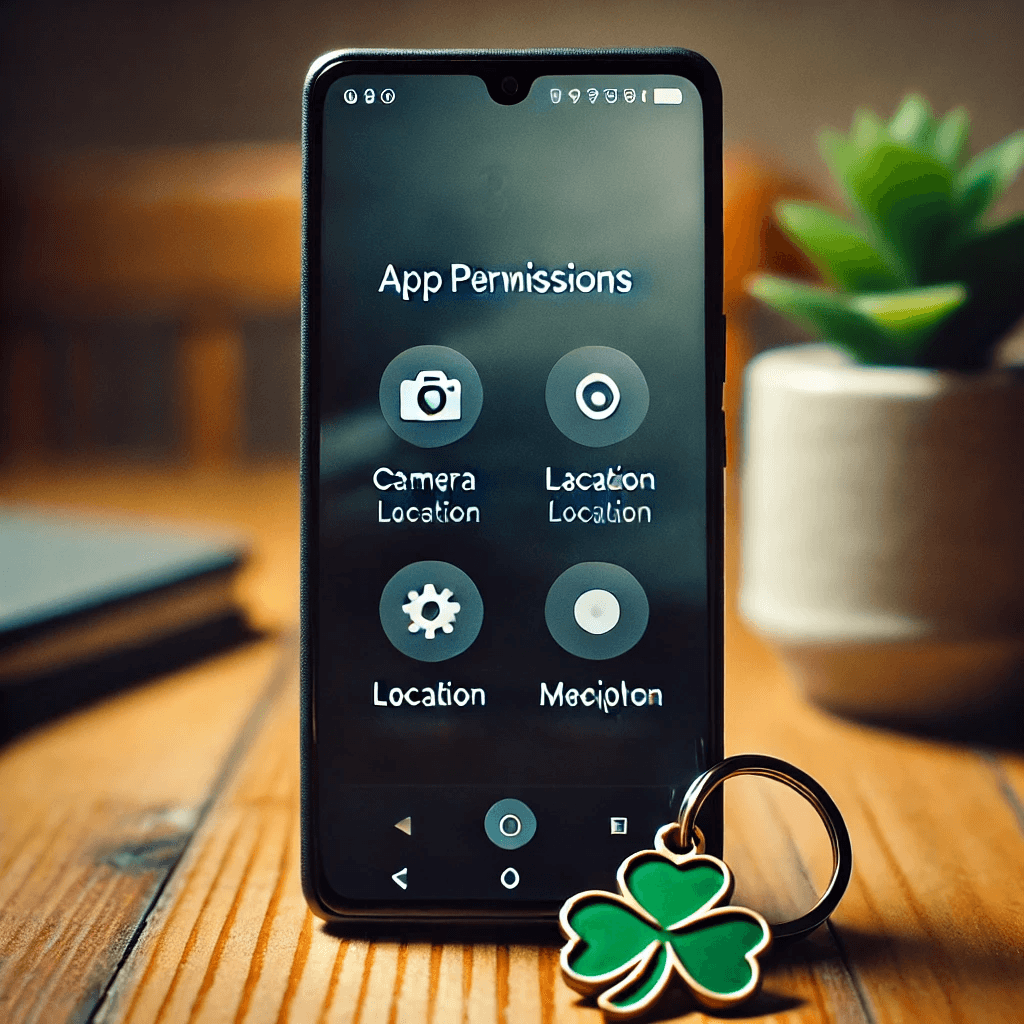
Before you can manage app permissions, it’s important to understand what they are and the risks they pose to your privacy.
What Are App Permissions?
App permissions are the requests an app makes to access certain features or data on your device. These can range from accessing your location, contacts, and camera to reading your storage or sending messages. When you install an app, it often asks for specific permissions, which you must approve to use the app.
Privacy Risks Associated with App Permissions
Granting apps access to unnecessary permissions can expose you to significant privacy risks. Apps can collect more data than you might expect, potentially sharing it with third parties. For example, an app that requests access to your camera might be able to record video without your knowledge, and one that requests location data might track you even when the app is not in use.
Apps that overreach with their permissions can:
- Collect excessive personal data.
- Share or sell data to third parties.
- Track your behavior across multiple apps.
Why You Should Care About Managing Permissions
By managing app permissions, you minimize the exposure of your personal data and control how apps interact with your device. This reduces the chances of data breaches or misuse of your information.
How to Review and Manage App Permissions
To protect your privacy, regularly review and manage the permissions granted to apps. This can be done easily through the settings on both Android and iOS devices.
Reviewing Permissions on Android Devices
Android provides a simple way to review and modify app permissions. Here’s how to do it:
- Open Settings and go to Apps.
- Select the app you want to review.
- Tap on Permissions to see what the app has access to, such as camera, microphone, or location.
- Disable any permissions that are unnecessary for the app’s core functionality.
Reviewing Permissions on iOS Devices
On iOS, managing app permissions is also straightforward:
- Open Settings and scroll down to Privacy.
- Select a category (e.g., Location Services or Camera).
- Review the apps that have access to each category.
- Toggle off permissions for any apps you want to restrict.
Modifying Permissions for Individual Apps
Both Android and iOS allow you to revoke or modify permissions for individual apps, ensuring they only access what is necessary. If you notice that an app has requested permissions that seem excessive for its purpose, consider disabling them.
Best Practices for Managing App Permissions
Efficiently managing app permissions requires discipline and consistency. Adopting the following best practices can help you keep your personal data secure.
Only Grant Essential Permissions
Grant permissions only when necessary. For instance, if an app only needs access to your location for specific tasks (like finding nearby restaurants), don’t give it continuous location access. Set permissions to “While Using the App” instead of “Always,” which helps you control when data is shared.
- Use location services selectively: Allow apps to access location only when necessary.
- Grant camera and microphone access only when needed: Disable access for apps that don’t require it.
- Limit access to contacts: Only give access to apps that absolutely need it.
Regularly Review App Permissions
Over time, apps can accumulate unnecessary permissions, especially after updates or new features are added. Regularly reviewing and modifying these permissions ensures that you maintain control over your data.
- Check permissions periodically: Make it a habit to review app permissions every few months.
- Revoke unnecessary permissions: If you no longer use a feature or app, revoke its access to sensitive data.
- Monitor permissions after updates: New app updates may add extra permissions that you didn’t originally agree to.
Use Built-In Privacy Features
Most smartphones now come with privacy tools that allow you to monitor and control permissions. On Android, the Privacy Dashboard lets you see which apps have accessed sensitive data like location and camera. On iOS, the App Privacy Report provides similar insights.
These features offer a detailed overview of app permissions and can help you quickly identify any overreach.
Managing Permissions for Sensitive Data
Some permissions are more sensitive than others, such as access to your location, camera, and contacts. It’s crucial to monitor these permissions closely to protect your privacy.
Location Data and Privacy
Apps requesting location data should be handled with care. Some apps only need access to your location when you are using the app (e.g., a navigation app), while others might want access continuously. Limit the use of location data to what’s strictly necessary.
- Use “While Using the App” setting for location access.
- Disable background location access for apps that don’t need it.
- Monitor location access using privacy tools provided on your phone.
Camera and Microphone Access
Apps that request camera or microphone access can potentially be used to record you without your knowledge. Be mindful of which apps have access to these features and disable permissions for those that don’t require them.
- Turn off camera access for apps that don’t need it.
- Disable microphone access for non-communication apps.
This helps reduce the risk of unauthorized audio and video recordings.
Contacts, Calendar, and Storage Permissions
Be cautious when apps request access to your contacts or calendar. This information can be valuable and is often shared or sold to third parties. Similarly, granting apps access to your storage can expose sensitive documents or files.
- Limit contacts and calendar access to apps that truly need it.
- Control storage access to avoid sharing unnecessary files.
These measures help protect your private and sensitive data from unwanted exposure.
Using Third-Party Tools to Manage App Permissions
In addition to using the built-in tools on Android and iOS, third-party apps can offer enhanced control over app permissions. These apps help monitor, manage, and restrict permissions more effectively.
Privacy-Focused Apps for Permission Management
There are several apps available to help manage and monitor permissions across multiple apps. Apps like App Permission Manager and Permission Manager provide centralized control for all your permissions, helping you stay on top of privacy settings.
Using VPNs and Security Apps
Security apps and VPNs can further protect your privacy by preventing apps from tracking you over the internet. They also help block ads and trackers that collect data without your knowledge. When combined with app permission management, these tools offer a layered approach to security.
Importance of Updating Your Apps
Regularly updating your apps ensures they remain secure and up to date with privacy enhancements. App developers often release security patches that address vulnerabilities and improve data protection.
Conclusion
Managing app permissions is a crucial step in protecting your privacy. By reviewing and limiting permissions, using built-in privacy tools, and applying best practices, you can ensure that your personal data remains safe. Make it a habit to periodically check app permissions, disable unnecessary access, and utilize third-party tools to enhance privacy. Taking control of your app permissions helps you safeguard your data and maintain control over how it’s used.
Share this content:
