Managing Screen Time: Tools and Techniques

In today’s digital world, it’s easy to get lost in our devices. Whether it’s scrolling through social media, binge-watching shows, or responding to work emails, screen time has become an integral part of our lives. However, excessive screen time can negatively impact our health, productivity, and mental well-being. The good news is that with the right tools and techniques, we can take control of our screen time and use it more effectively. In this guide, we’ll explore how to manage screen time with the help of built-in tools, third-party apps, and strategies to maintain a healthy balance.
Understanding the Impact of Excessive Screen Time
Before diving into the tools and techniques for managing screen time, it’s essential to understand its impact.
Health Effects of Too Much Screen Time
Excessive screen time can cause physical and mental health issues. Extended periods of staring at screens can lead to digital eye strain, which causes discomfort, headaches, and blurred vision. Moreover, the blue light emitted by screens can disrupt sleep patterns, especially when used late at night. Mentally, excessive screen time has been linked to increased stress and anxiety, particularly from social media and news consumption.
Effects on Productivity and Focus
Excessive screen time can also hamper productivity. Constant notifications from emails, apps, and social media can break concentration, leading to distractions and decreased focus. Studies show that we spend more time than intended on devices, with fewer breaks for rest or creative thinking.
Social and Emotional Impact
High screen time can contribute to feelings of isolation and loneliness. Constant online engagement may lead to digital burnout, where you feel disconnected from real-life interactions and personal connections. Balance is essential to maintain healthy relationships both online and offline.
Tools to Monitor and Limit Screen Time
To manage screen time effectively, it’s crucial to use tools that track usage, set limits, and allow for proper monitoring.
Built-in Screen Time Trackers
Most smartphones, tablets, and computers come with built-in features to monitor screen time. For example:
- iOS devices feature the Screen Time tool, which tracks usage and allows you to set limits on specific apps and overall screen time.
- Android devices offer Digital Wellbeing, providing usage statistics and the ability to limit apps.
These built-in tools are a great starting point for anyone looking to track their device usage and make necessary adjustments.
Third-Party Screen Time Management Apps
Several third-party apps offer more detailed customization for managing screen time. Apps like Freedom, RescueTime, and Moment are specifically designed to help users track screen time and block distracting websites or apps. These apps can also send alerts when you’ve exceeded your screen time limits and provide reports on how you spend your time across different apps and websites.
Parental Control Tools for Family Screen Time Management
For families with children, tools like Qustodio, Norton Family, and Circle can help parents manage and limit screen time. These apps offer the ability to monitor children’s usage, block inappropriate content, and set screen time limits for specific apps or devices. Parental control features can be customized for individual family members, ensuring age-appropriate usage.
Setting Screen Time Goals and Boundaries
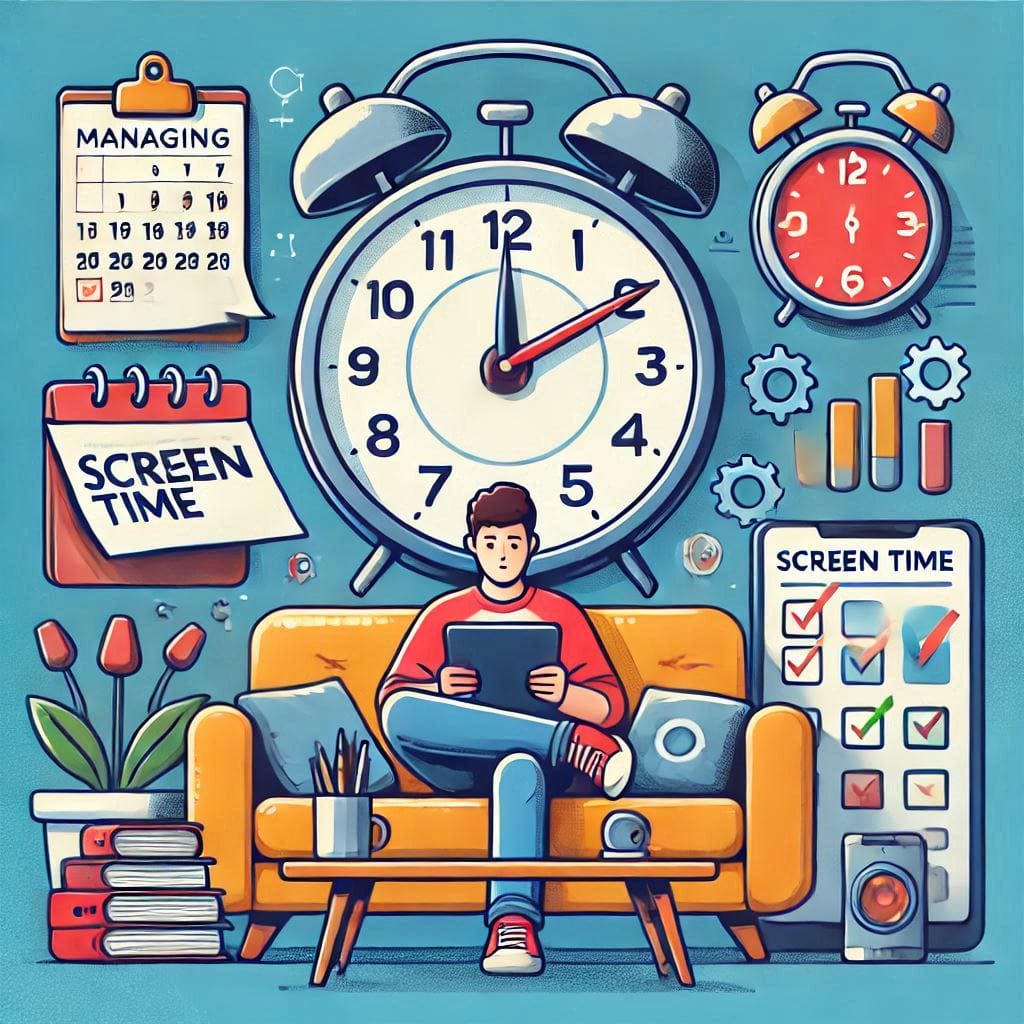
It’s essential to set realistic goals and boundaries around screen time to maintain balance and health.
Establishing Realistic Screen Time Limits
Setting achievable goals for daily or weekly screen time is key to managing usage. Start by tracking how much time you spend on your devices using built-in tools or third-party apps. From there, you can gradually reduce screen time and set daily limits. For instance, you could start with 1-2 hours of recreational screen time per day and adjust based on your personal or work needs.
Creating Digital-Free Zones and Times
Designate specific times and places where you won’t use your devices. For example, you could create a tech-free zone in the bedroom or dining room, ensuring you spend time offline. Similarly, try to avoid screens at least an hour before bedtime to improve sleep quality. Establishing boundaries around meal times and family time can also foster stronger relationships and help disconnect from the constant digital demands.
Encouraging Screen-Free Activities
Incorporate activities into your day that don’t involve screens. Reading a book, going for a walk, or engaging in a hobby like cooking or crafting can reduce your reliance on digital devices. By actively seeking out offline activities, you can balance screen time with personal and social interactions.
Techniques for Staying Focused and Productive
With distractions constantly at our fingertips, staying focused while using screens is vital for productivity.
Time Management and the Pomodoro Technique
One of the most effective techniques for maintaining focus is the Pomodoro Technique, which involves working for 25 minutes, followed by a 5-minute break. After four cycles, take a longer break. Using a timer app or an app like Focus Booster can help you stick to this structure while minimizing distractions from your phone or computer.
Turning Off Notifications and Distractions
Turning off non-essential notifications can significantly reduce interruptions. Many apps allow you to mute notifications or set Do Not Disturb times to prevent distractions. Focus on one task at a time, and use productivity apps like Trello or Notion to organize tasks and track progress without checking social media constantly.
Establishing Tech-Free Zones for Work and Rest
Set up specific work areas and tech-free zones to maintain a clear boundary between tasks. This helps reduce the temptation to check your phone while working and allows for uninterrupted periods of rest when you’re not working. Consider using Focus Mode on smartphones to limit distractions during work hours.
Overcoming Screen Time Challenges
Managing screen time can be challenging, especially if it becomes a habit. Here are some strategies to help.
Tackling Digital Addiction
Digital addiction is a growing concern. If you find yourself mindlessly scrolling through social media or binge-watching shows, start by setting limits. Use apps like Forest to encourage you to stay off your phone by growing a virtual tree while you focus on offline activities.
Building Healthy Digital Habits
Forming healthy digital habits takes time and practice. Start by gradually reducing the time you spend on non-essential apps or websites. Aim to implement a new habit each week, whether that’s turning off notifications or spending more time offline. The key is to stay consistent and patient.
Staying Accountable with Friends and Family
Sharing your screen time goals with friends or family can provide additional motivation and accountability. Encourage loved ones to join you in reducing screen time, and support each other in creating healthy boundaries around digital use.
Conclusion
Managing screen time is essential for maintaining both productivity and well-being in today’s digital age. By using the right tools, setting boundaries, and incorporating techniques like the Pomodoro Technique, you can control your screen time and ensure a healthier, more balanced life. With regular monitoring and consistent habits, it’s possible to reduce digital overload and improve both your personal and professional experiences.
Share this content:
