Protecting Your Privacy on Social Media Platforms

Social media platforms have become an integral part of our daily lives, but they also come with privacy risks. Many users share personal details and content without realizing how much of their data is exposed or misused. Protecting your privacy on these platforms is essential to safeguard personal information, prevent identity theft, and maintain a secure online presence. In this article, we’ll explore practical steps to protect your privacy on social media platforms without compromising your user experience.
Understanding Privacy Risks on Social Media
Before taking any steps to protect your privacy, it’s important to understand the potential risks involved.
How Social Media Platforms Collect Data
Social media platforms collect data from users through their profiles, posts, likes, and interactions. This data is often used for targeted advertising and third-party sharing. The more you interact with content on these platforms, the more personal data is gathered, including your interests, location, browsing habits, and online activities.
- Personal details shared in posts and profiles
- Data from likes, comments, and interactions
- User behavior for targeted advertisements
Understanding how social media platforms collect and use your data can help you make informed decisions about what information to share.
Privacy Breaches and Data Leaks
Privacy breaches, such as data leaks and hacks, can expose your personal data to malicious actors. Over the years, there have been numerous high-profile social media breaches where personal information was compromised. These breaches often involve the theft of sensitive data, such as passwords, phone numbers, and email addresses.
- Major data breaches from platforms like Facebook and LinkedIn
- The risks of exposed personal details from hacks
- How breaches can affect your privacy and security
Being aware of these risks helps you take the necessary precautions to keep your personal data safe.
Understanding Public vs. Private Information
Many users share personal information without realizing how public it can be. Public posts, photos, and interactions can easily be accessed by anyone, including strangers or even malicious users. On the other hand, private information, such as private messages or personal contacts, should only be shared with trusted individuals.
- Public posts can be seen by anyone
- Privacy settings allow you to control access
- Sharing sensitive details in public is risky
By understanding the difference between what is public and private, you can make better choices about what you share.
Basic Social Media Privacy Settings
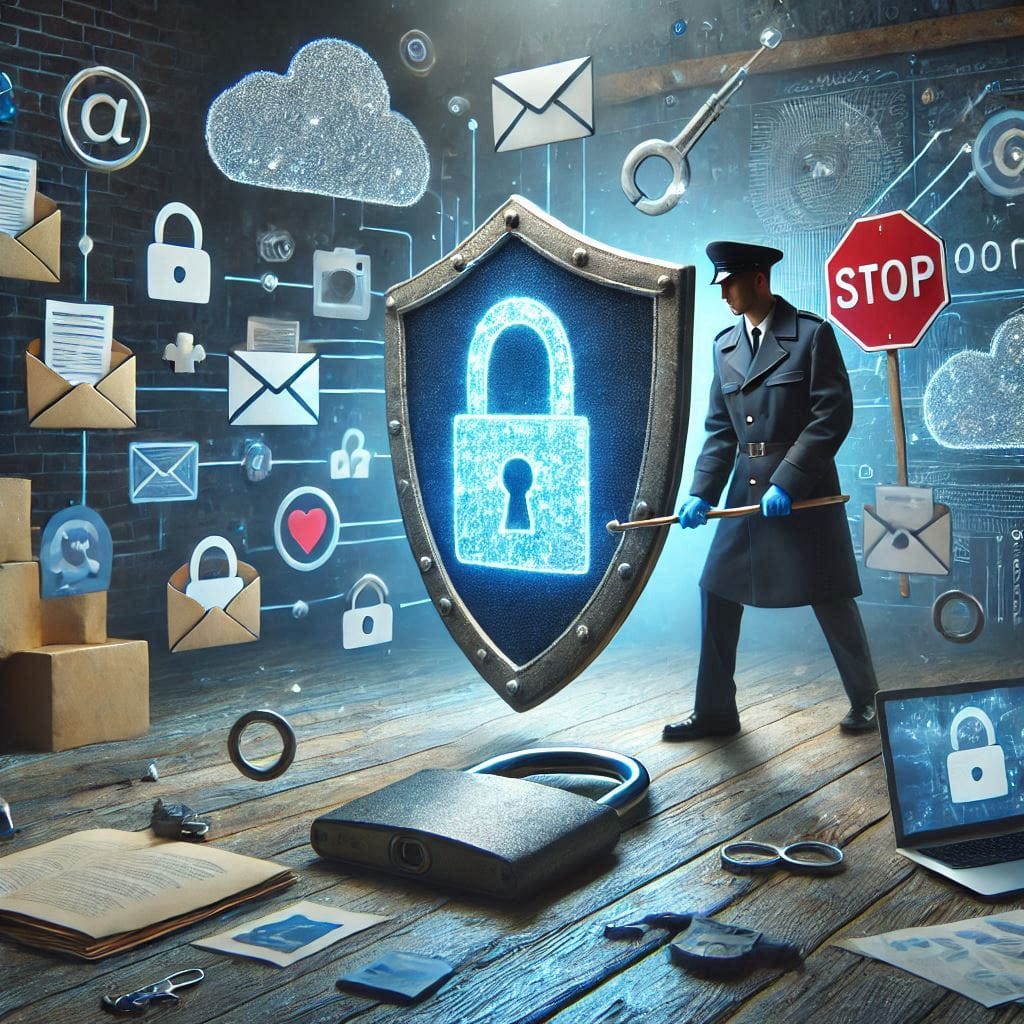
Most social media platforms offer built-in privacy settings to control who can see your content and interact with you. Here are some basic privacy settings you should adjust to protect your information.
Adjusting Your Profile and Post Privacy
One of the first steps in protecting your privacy is adjusting the visibility of your profile and posts. You can limit the audience for your posts, ensuring only trusted people see your updates.
- Set your profile to “Private” or “Friends Only.”
- Limit who can comment on your posts.
- Restrict the visibility of personal details like your phone number and email.
Adjusting these settings can help you control who sees your information and prevent unauthorized access to your content.
Limiting Who Can Contact You
To protect your privacy, limit who can send you messages, follow you, or add you as a friend. Social media platforms allow you to filter or block unwanted contacts, ensuring you only engage with people you trust.
- Set strict rules for who can send friend requests.
- Use “message filters” to control who can message you.
- Block or mute users who are bothering you.
These features help you keep your interactions secure and prevent unsolicited messages or contacts.
Managing Tags and Mentions
Another way to protect your privacy is by managing tags and mentions. Some social platforms allow others to tag you in posts, pictures, or comments, which could expose your location or personal information.
- Turn off automatic tagging in photos.
- Set tags to require approval before appearing on your profile.
- Manage who can mention you in posts or comments.
This feature ensures that you have control over what appears on your profile and who can share content involving you.
Advanced Privacy Protection Techniques
For even greater protection, consider using more advanced privacy features that can further safeguard your personal information.
Use Two-Factor Authentication (2FA)
Two-factor authentication (2FA) is a powerful tool to add an extra layer of security to your social media accounts. By requiring a second form of verification, such as a code sent to your phone, 2FA prevents unauthorized access even if someone has your password.
- Set up 2FA on Facebook, Instagram, and Twitter for added protection.
- Use authentication apps like Google Authenticator for secure access.
- Enable 2FA on any accounts that support it.
2FA ensures that even if your password is compromised, your account remains secure, making it harder for hackers to gain access.
Be Mindful of Third-Party Apps
Many social media platforms allow you to connect third-party apps to your account, which can access your data. It’s essential to review these connections periodically to ensure you’re not giving unnecessary access to apps you no longer use.
- Regularly review and remove third-party apps you don’t need.
- Disconnect apps that request excessive access to your profile or data.
- Revoke permissions for apps that seem suspicious.
By limiting the apps that can access your social media, you can reduce the risk of unauthorized data sharing.
Reviewing App Permissions and Access
Apps can request permissions to access your photos, contacts, or location data. It’s essential to regularly review the permissions granted to each app and revoke any that seem unnecessary or too intrusive.
- Go to your social media account settings to review app permissions.
- Disable location services or contact sharing unless required.
- Remove unnecessary apps that access sensitive information.
By managing app permissions effectively, you ensure that your privacy remains intact while still enjoying the features of social media.
Protecting Your Data and Identity
Your identity is one of your most valuable assets, and safeguarding it online is crucial.
Avoid Oversharing Personal Information
One of the biggest privacy risks on social media is oversharing personal details, such as your phone number, home address, or workplace. Avoid posting information that could be used for identity theft or social engineering attacks.
- Keep sensitive information off your social media profiles.
- Be cautious when sharing personal milestones or vacation plans.
- Only share details with trusted individuals via direct messaging.
By limiting the amount of personal information you share, you minimize the risk of identity theft and unwanted attention.
Monitor Your Digital Footprint
Your digital footprint includes all the personal information you leave behind online. Regularly monitor your online presence by searching for your name to see what personal information is available.
- Use search engines to check what’s publicly available about you.
- Delete old posts or photos that could jeopardize your privacy.
- Use privacy tools to remove outdated or unnecessary information.
Keeping track of your digital footprint helps you stay aware of what’s being shared and ensures that your personal data is protected.
Regularly Update Passwords and Security Settings
Regularly changing your passwords and updating your security settings is one of the best ways to protect your social media accounts. Use strong, unique passwords for each platform to make it harder for hackers to access your accounts.
- Use a password manager to store and generate secure passwords.
- Enable security alerts to monitor suspicious activities.
- Change passwords regularly to ensure your accounts stay secure.
Keeping your passwords updated and your security settings optimized is essential for maintaining a safe online presence.
Conclusion
Protecting your privacy on social media is essential for maintaining control over your personal data. By adjusting privacy settings, using advanced techniques like two-factor authentication, and being mindful of what you share, you can safeguard your information while still enjoying the benefits of social media. Regularly monitoring your accounts and updating your security practices will ensure that your online presence remains secure.
Share this content:
