Tips for Safe Online Shopping
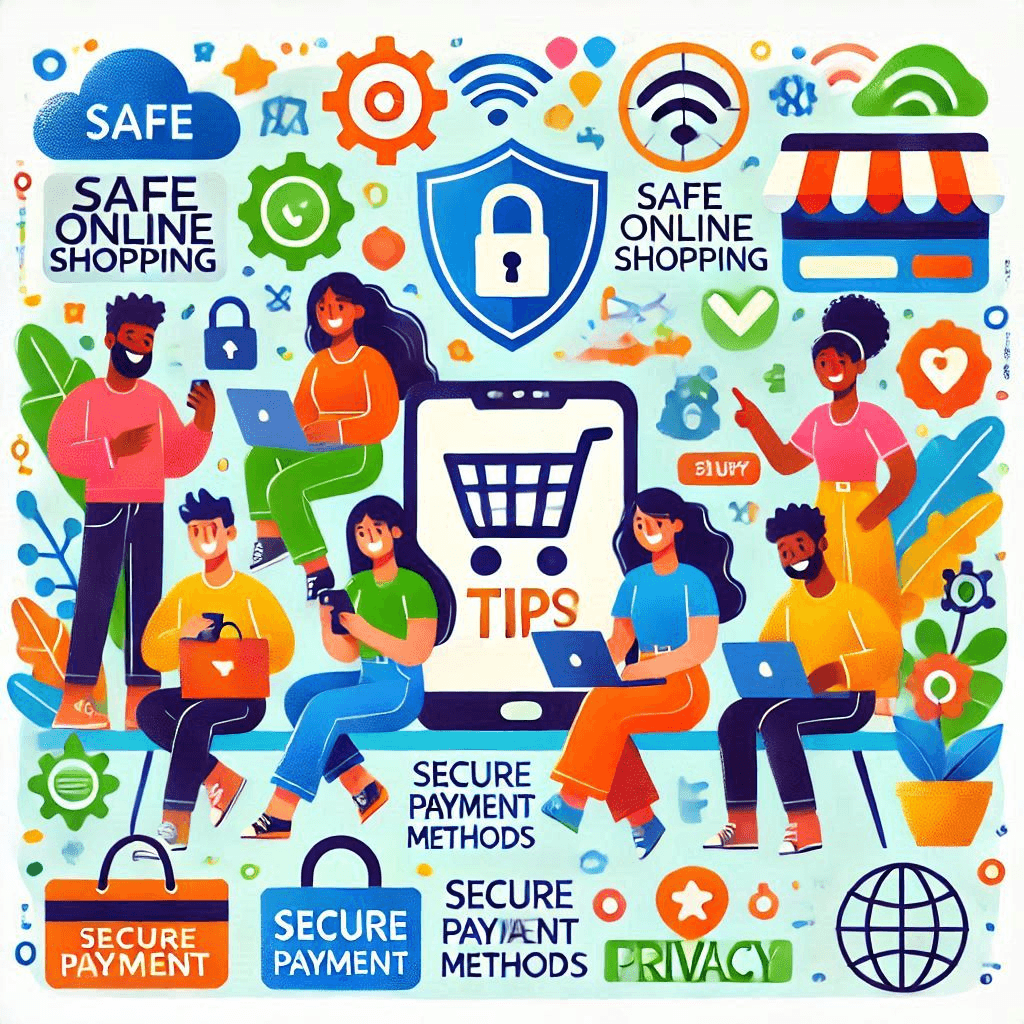
Online shopping has become a convenient way to buy anything from groceries to gadgets. While it offers ease and accessibility, it also comes with risks that can compromise your safety. Protecting your personal and financial information is crucial when making purchases online. This article provides essential tips to help you shop safely and securely on the internet.
Shopping online has its perks, but it’s important to be cautious. Scammers and cybercriminals are always looking for opportunities to exploit unsuspecting shoppers. By understanding common risks and adopting safe shopping habits, you can protect yourself and your personal data.
1. Understanding Online Risks
Shopping online can expose you to various threats, but knowing these risks can help you take preventive measures.
A. Common Threats
There are several dangers associated with online shopping that you should be aware of:
- Phishing Scams: Fake emails or websites designed to steal your personal details.
- Malware Attacks: Harmful software that can infect your devices and access sensitive data.
- Identity Theft: When someone uses your personal information without permission, often to make unauthorized purchases.
These threats can lead to financial loss and stress if not addressed properly. Falling victim to such risks can also result in compromised accounts or stolen identities.
B. Why Awareness Matters
Understanding the risks allows you to take control of your online safety. Awareness helps you identify red flags, like suspicious links or websites, before falling victim to scams. Being proactive in your approach can save you from financial loss and identity theft.
Staying informed about current scams and cyber threats ensures you remain a step ahead of cybercriminals. With a cautious approach, you can enjoy online shopping without worry.
2. Verifying Website Security
Before you make any purchase, ensure that the website you are using is secure and trustworthy.
A. Checking for HTTPS
Always check if the website uses HTTPS in its URL. The “S” stands for secure, indicating that the website encrypts data to protect it from hackers. Look for a padlock icon near the address bar as another sign of security.
Without HTTPS, any information you share on the website can be intercepted by third parties. This is especially critical when entering payment details or personal data.
B. Recognizing Trusted Websites
Stick to well-known retailers or websites with a good reputation. Some signs of a trustworthy website include:
- SSL certification (look for trust badges).
- Detailed contact information and customer support options.
- Clearly written privacy policies.
If a website looks suspicious or lacks these features, avoid making purchases. Additionally, conduct a quick search to read reviews and ensure the retailer is legitimate.
3. Protecting Personal Information
Keeping your personal data private is essential for safe online shopping.
A. Avoiding Oversharing
Share only the necessary information when shopping online. For example, while your address and payment details are required for delivery and billing, sensitive details like your Social Security Number are not.
Avoid creating accounts on every shopping website unless absolutely necessary. Use guest checkout options when possible to limit the amount of information you provide.
B. Using Strong Passwords
Creating strong and unique passwords for each account adds an extra layer of protection. Follow these tips for stronger passwords:
- Use at least 12 characters with a mix of letters, numbers, and symbols.
- Avoid using easily guessed information like birthdays or names.
- Use a password manager to store and generate complex passwords.
A strong password can significantly reduce the chances of your accounts being compromised. Additionally, enable two-factor authentication (2FA) for an extra layer of security.
4. Secure Payment Methods
How you pay online can make a big difference in ensuring your safety.
A. Choosing the Right Payment Option
Credit cards are generally safer than debit cards because they offer better fraud protection. Alternatively, consider using third-party payment services like PayPal or Apple Pay, which keep your payment details private.
These methods add a layer of security by not exposing your bank account or card details directly to the seller. Many credit card companies also offer zero-liability policies for fraudulent charges.
B. Avoiding Public Wi-Fi for Transactions
Public Wi-Fi networks are not secure and can make it easy for hackers to steal your information. Avoid shopping or making payments while connected to public Wi-Fi. If you must use public Wi-Fi, use a VPN to encrypt your data.
Using a VPN ensures that your connection remains private, even on untrusted networks. This is particularly important when entering sensitive information.

5. Monitoring Transactions and Behavior
Keeping an eye on your accounts and online shopping habits can prevent unauthorized access.
A. Reviewing Bank Statements Regularly
Regularly check your bank and credit card statements to spot unauthorized transactions quickly. If you notice something unusual, report it to your bank immediately. Early detection can limit financial loss and prevent further damage.
Setting up alerts for transactions can help you monitor your accounts in real-time. This way, you’ll be notified immediately of any unusual activity.
B. Staying Alert to Unusual Activities
Monitor your email for password reset requests or login attempts you didn’t initiate. These could be signs that your account has been compromised. If you suspect suspicious activity, change your password immediately and notify the retailer or platform.
Being vigilant about account activity helps you catch and address potential issues before they escalate. Quick action is key to minimizing damage.
6. Additional Safety Tips
Follow these extra tips to further enhance your online shopping safety.
A. Shop from Familiar Retailers
Stick to websites you know and trust. Shopping from established retailers reduces the risk of fraud and ensures reliable service.
Familiar retailers are more likely to have secure systems and customer support options if issues arise. If you’re trying a new site, check reviews first.
B. Update Software Regularly
Keep your devices and browsers updated. Software updates often include security patches that protect you from newly discovered vulnerabilities.
Using outdated software increases the risk of malware infections and data breaches. Enable automatic updates to stay protected.
C. Avoid Too-Good-To-Be-True Deals
Be cautious of deals that seem unrealistic. Scammers often lure victims with unbelievably low prices or fake offers. When in doubt, research the deal or retailer before purchasing.
If something feels too good to be true, it probably is. Always prioritize safety over savings when shopping online.
Bonus: Quick Safety Checklist
- Use two-factor authentication (2FA) for accounts.
- Avoid saving payment details on websites.
- Log out of accounts after making purchases.
Conclusion
Online shopping is convenient, but it requires careful attention to safety. By understanding online risks, verifying website security, and protecting your personal information, you can shop confidently and securely. Remember to use strong passwords, choose secure payment methods, and monitor your transactions regularly. Share these tips with friends and family to promote safer online shopping for everyone. Taking small steps to improve your online security can make a big difference. Stay informed, stay cautious, and enjoy a worry-free shopping experience.
Share this content:
