Setting Up a Home Office: Essential Tech Tools
As remote work becomes more widespread, creating an efficient and comfortable home office has become essential. Whether you’re setting up for a full-time remote position, freelance work, or occasional work-from-home days, having the right tech tools is key to productivity. The technology you choose will impact how efficiently you can collaborate, manage tasks, and stay organized. This article will explore the essential tech tools that can help you set up the perfect home office.
The Growth of Remote Work and the Need for Technology
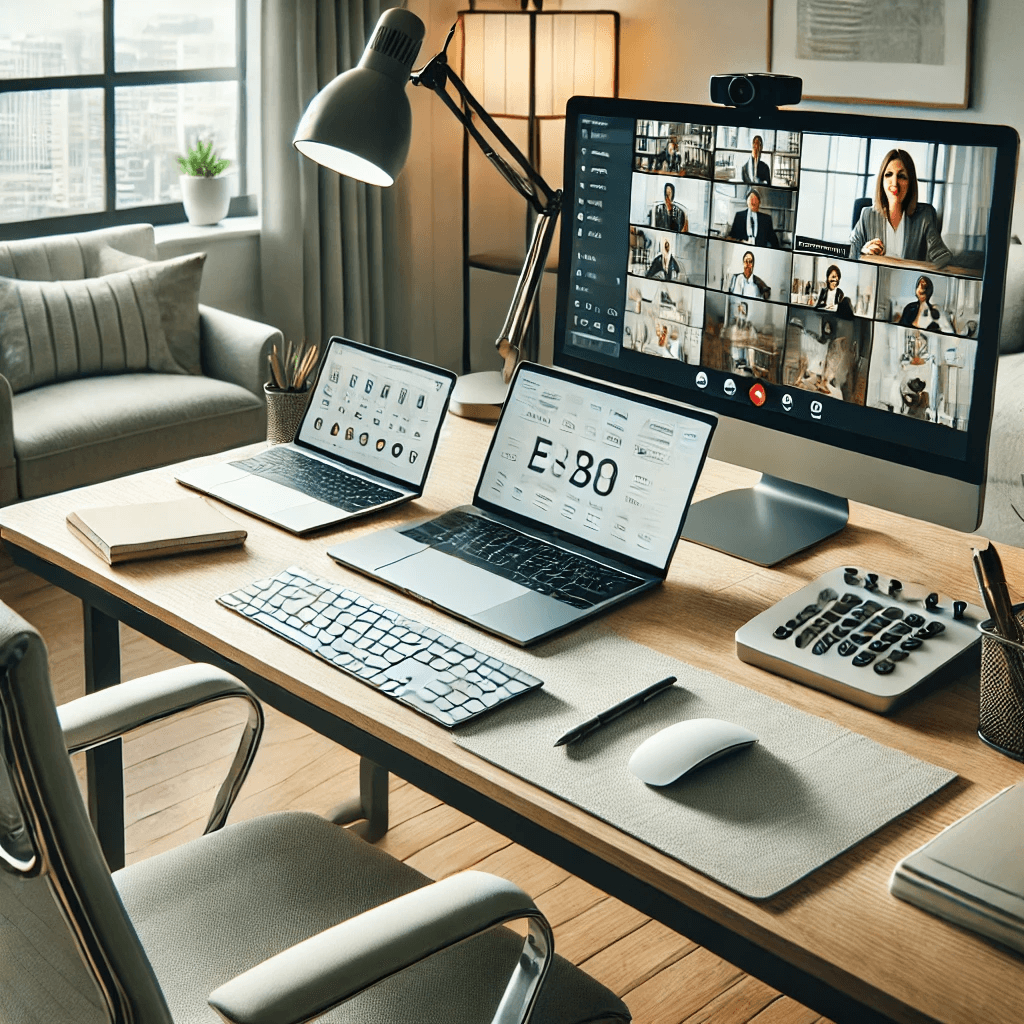
Remote work has seen exponential growth in recent years, especially due to the COVID-19 pandemic. With many employees working from home, the need for the right tech tools became more important than ever. Proper technology enables seamless communication, collaboration, and productivity without the limitations of a physical office space.
The Rise of Remote Work
Remote work, once a luxury or perk, became a necessity for many businesses during the pandemic. As organizations shifted to virtual operations, technology made it possible for workers to remain productive from home.
- Flexible schedules: Remote work allows employees to have more control over their schedules, enhancing work-life balance.
- Global talent pool: Remote work opens opportunities for companies to hire talent from all over the world.
- Cost savings: Both businesses and employees can save money on commuting, office space, and work attire.
Why Technology is Key
Technology is the backbone of a successful home office. Whether you’re collaborating with colleagues or working independently, the tools you use determine how effectively you can perform tasks.
- Communication tools: These keep you connected with coworkers, clients, and stakeholders through video calls, instant messaging, and emails.
- Productivity software: Tools for project management and time tracking ensure that tasks are completed efficiently and deadlines are met.
- Security tools: Proper cybersecurity measures protect both personal and company data in a remote setting.
Core Tech Tools for a Home Office
To get your home office set up, you’ll need a solid foundation of tech equipment. A few core tools can make a significant difference in your workflow and comfort.
Computers and Laptops
Choosing the right computer is the first step in setting up your home office. Whether you prefer a desktop or a laptop depends on your workspace and mobility needs.
- Desktops: Offer powerful performance and large screens, making them ideal for multitasking and heavy work like graphic design or video editing.
- Laptops: Provide flexibility and portability. Laptops are perfect for those who may need to move around or take their work on the go.
Monitors
A large monitor or dual monitors is often crucial for increasing productivity. Multiple screens allow you to manage multiple tasks at once, reducing the need to switch between tabs.
- Single large monitor: A widescreen monitor can be perfect for those who need space for multiple windows or documents.
- Dual monitors: Two monitors can increase efficiency by allowing you to keep email, documents, and apps open at the same time.
Keyboard and Mouse
An ergonomic keyboard and mouse are essential for comfort during long hours at your desk. Choosing the right peripherals can make your workspace more comfortable and efficient.
- Ergonomic design: Consider an ergonomic keyboard and mouse to reduce strain on your wrists and prevent injuries like carpal tunnel.
- Wireless vs. wired: Wireless devices offer more flexibility, while wired devices ensure no connectivity issues.
Communication Tools for Virtual Collaboration
In a home office, communication tools are critical for staying connected with coworkers, clients, and teams. These tools ensure that distance doesn’t interfere with collaboration and efficiency.
Video Conferencing Software
Video conferencing tools are at the heart of remote work, enabling meetings and face-to-face interactions without the need to be in the same room.
- Zoom: One of the most popular platforms for meetings, webinars, and virtual conferences.
- Microsoft Teams: A collaboration platform with built-in video chat, file sharing, and team channels for communication.
Headsets and Microphones
Clear communication is essential for remote meetings, so investing in a good-quality headset or microphone is vital.
- Noise-canceling headsets: These minimize background noise, ensuring clearer communication, especially in busy home environments.
- Microphone quality: A good microphone will ensure your voice is heard clearly without static or distortion.
Webcams
A high-quality webcam is essential for maintaining a professional presence during video meetings. Poor video quality can lead to misunderstandings and hinder effective communication.
- Resolution: Look for at least 1080p resolution for clear, sharp images.
- Lighting: Ensure good lighting around your workspace or consider investing in additional lighting for better visibility.
Productivity and Organization Tools
Remote work relies on staying organized and managing time effectively. Fortunately, there are plenty of tools available to help you streamline your tasks and boost productivity.
Project Management Software
For effective team collaboration and task management, project management tools are essential. These tools help keep track of deadlines, responsibilities, and progress.
- Trello: A visual tool that allows you to organize tasks using boards, lists, and cards.
- Asana: A powerful tool for managing projects, tasks, and workflows with advanced reporting features.
Time Management Tools
Staying productive at home requires managing your time effectively. Time management tools help you track your work hours and stay focused.
- Toggl: A simple time tracker that helps you monitor how much time is spent on different tasks.
- Pomodoro timers: The Pomodoro Technique helps maintain focus by working in short bursts with regular breaks.
Cloud Storage and Collaboration Tools
Cloud services and collaboration tools are essential for easy document sharing and real-time work on files, regardless of location.
- Google Drive: A free cloud service that allows you to store and share documents, spreadsheets, and presentations.
- Microsoft OneDrive: Part of Microsoft 365, OneDrive provides cloud storage and real-time collaboration for Word, Excel, and PowerPoint files.
Security and Privacy Tools for Your Home Office
When working remotely, it’s critical to protect sensitive information. Using security tools ensures that your data and communications remain safe.
VPNs and Encryption
Using a Virtual Private Network (VPN) adds a layer of protection when accessing company networks and personal information from your home office.
- VPN: A VPN creates a secure, encrypted connection between your device and the internet, protecting your data from cyber threats.
- Encryption: Encryption tools ensure that any sensitive information shared over the internet remains unreadable to unauthorized users.
Antivirus and Password Management Tools
Keeping your devices secure is crucial for maintaining the safety of your work. Antivirus software and password management tools help safeguard your data and accounts.
- Antivirus software: Protects your computer from malware, viruses, and spyware.
- Password managers: Tools like LastPass or 1Password store and encrypt your passwords, making it easier to manage accounts securely.
Conclusion
Setting up a home office that supports productivity, comfort, and security requires selecting the right technology tools. From communication software to ergonomic devices, each piece of technology plays a vital role in creating an efficient and comfortable remote work environment. By investing in the essential tools discussed in this article, you can enhance your productivity, maintain secure communications, and ensure your home office is equipped for long-term success.
Share this content:
